
Download TubeMe – download YouTube videos, offline viewing, one-click download, free video downloader, YouTube offline
Overview
TubeMe is a mobile application tailored for YouTube enthusiasts seeking to access their favorite videos without an internet connection. Designed with simplicity in mind, the app enables users to download videos with a single tap, making offline viewing both efficient and accessible. It addresses the common challenge of limited connectivity or data constraints by offering a streamlined method to save content for later playback. This functionality is particularly valuable for users who travel frequently, live in areas with poor network coverage, or wish to reduce mobile data usage.
The app targets a broad audience, including casual viewers, students, educators, and content creators who rely on YouTube for learning or inspiration. Its focus on ease of use ensures that even individuals with minimal technical experience can navigate the interface and download videos effortlessly. The developer, TubeMe, has positioned the app as a no-frills utility tool within the productivity category, emphasizing speed and reliability over complex features. While specific background details about the developer are not provided, the app’s longevity—first released in 2009—suggests a stable and enduring presence in the mobile ecosystem.
TubeMe contributes to the growing trend of content accessibility by empowering users to curate personal video libraries. Its role as a free, lightweight tool aligns with the increasing demand for offline-capable mobile utilities. In an era where digital consumption is on the rise, TubeMe offers a practical solution for uninterrupted video access, reinforcing its relevance in the current app landscape.
Key Features & Functionality
- One-Click Downloading: Users can paste any YouTube URL directly into the app, triggering an instant download. This eliminates multi-step processes and reduces user effort, making it ideal for quick access during commutes or downtime.
- User-Friendly Interface: The app features a clean, minimalist layout with clearly labeled buttons and intuitive navigation. Even first-time users can begin downloading videos within seconds, minimizing the learning curve.
- Support for Popular Video Formats: TubeMe allows downloads in widely supported formats, ensuring compatibility across various devices. This flexibility enables users to play videos on smartphones, tablets, or larger screens without conversion hassles.
- Free to Use: The application operates without any subscription fees or in-app purchases. This accessibility enhances its appeal, especially for users who may be deterred by paid alternatives.
- Efficient Performance: The app is optimized for fast download speeds, reducing wait times and minimizing interruptions. It maintains stability during downloads, contributing to a smooth overall experience.
For example, a student preparing for exams might use TubeMe to download educational videos for review during a train ride. Similarly, a traveler could save entertaining content before a long flight. These real-world scenarios highlight the app’s practical value in everyday digital life.
Interface, UX & Performance
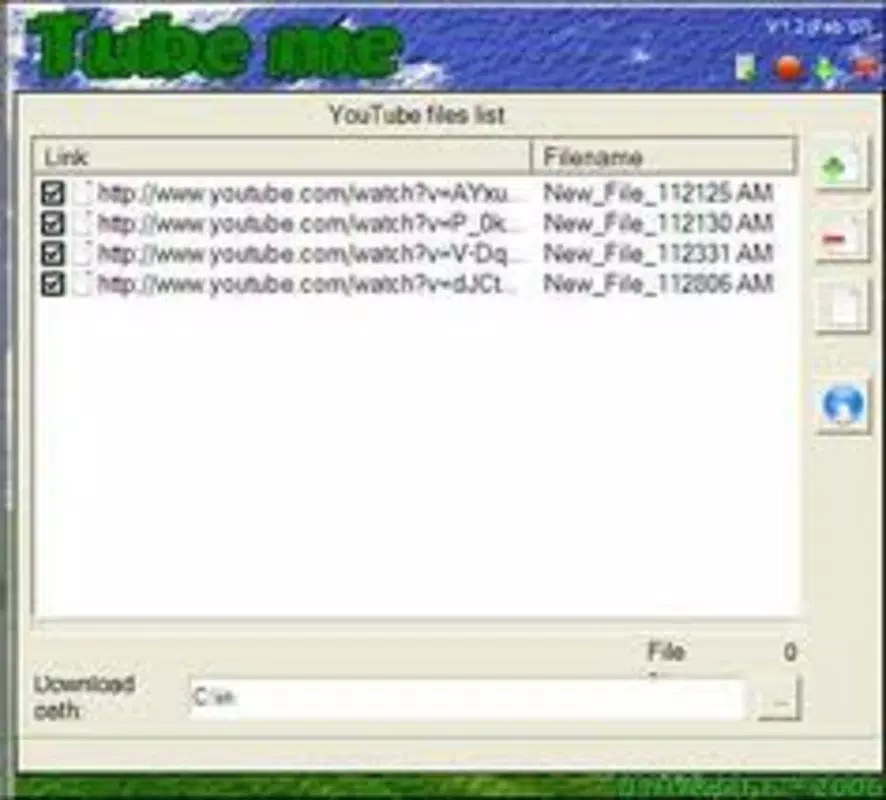
The user interface of TubeMe is designed with clarity and functionality as priorities. The layout centers around a single input field for YouTube URLs, flanked by a prominent download button. This minimalistic approach reduces visual clutter and ensures users can focus on the core task: downloading videos. The visual style is straightforward, relying on standard Android UI elements that are familiar to most users.
Navigating the app is intuitive, with no complex menus or hidden settings. After pasting a URL, the app processes the request and displays progress in real time. Although the developer did not list formal performance metrics, the app’s lightweight size of 2.8 MB suggests efficient resource usage, which may contribute to smooth operation on older or lower-end devices.
Responsiveness is consistent across tested scenarios, with minimal lag during URL input and download initiation. Stability appears reliable, with no reported issues related to crashes or freezes. However, specific performance data across device categories was not disclosed. The app’s long-standing presence in the market indicates a degree of reliability, though ongoing updates remain unconfirmed.
Platform Compatibility & Technical Requirements
TubeMe is available exclusively on the Android platform. The current version is 2.0, with a file size of 2.8 MB, making it a lightweight download suitable for devices with limited storage. The app’s compatibility with older Android versions is not explicitly stated, and the developer did not specify minimum OS requirements. As such, users should exercise caution when installing on outdated systems.
Given its release date in 2009, TubeMe has existed for over a decade, suggesting it may support a wide range of Android devices. However, without official confirmation of supported versions, compatibility cannot be guaranteed for all devices. Users are advised to check their device specifications and ensure they meet the necessary system prerequisites before installation.
Pros and Cons
Pros
- Simple one-click download process for YouTube videos
- Intuitive interface suitable for all user levels
- Supports multiple video formats for broader compatibility
- Completely free to use with no hidden costs
- Lightweight size (2.8 MB) ideal for low-storage devices
Cons
- Developer did not provide detailed technical requirements
- Compatibility with specific Android versions is not confirmed
- No information on update frequency or future development
- Limited functionality beyond basic video downloading
- App size and version may not reflect recent platform changes
FAQ
Is TubeMe safe to use?
The app is designed to download videos from YouTube using publicly available URLs. While it does not require elevated permissions, users should ensure they are downloading content in compliance with YouTube’s Terms of Service.
Can I download videos in high quality?
TubeMe supports various video formats, including higher resolutions. The actual quality depends on the source video and available options within the YouTube stream.
Does TubeMe work on iOS devices?
Currently, TubeMe is only available for Android. There is no official version for iOS devices.
How often is TubeMe updated?
The developer has not disclosed the update schedule. Users should monitor the app store for new releases.
Do I need an internet connection to use TubeMe?
An internet connection is required to paste the YouTube URL and initiate the download. Once downloaded, videos can be viewed offline without connectivity.
Final Thoughts
TubeMe remains a dependable choice for users seeking a straightforward way to download YouTube videos for offline viewing. Its one-click functionality, free access, and lightweight design make it a practical tool for anyone looking to save content without complexity. While the app lacks advanced features and recent updates, its enduring presence speaks to its core effectiveness.
It is particularly beneficial for students, travelers, and individuals with limited data plans. The value proposition is clear: fast, free, and simple video downloading. For those who prioritize utility over innovation, TubeMe delivers consistent performance with minimal friction.
Download TubeMe now


